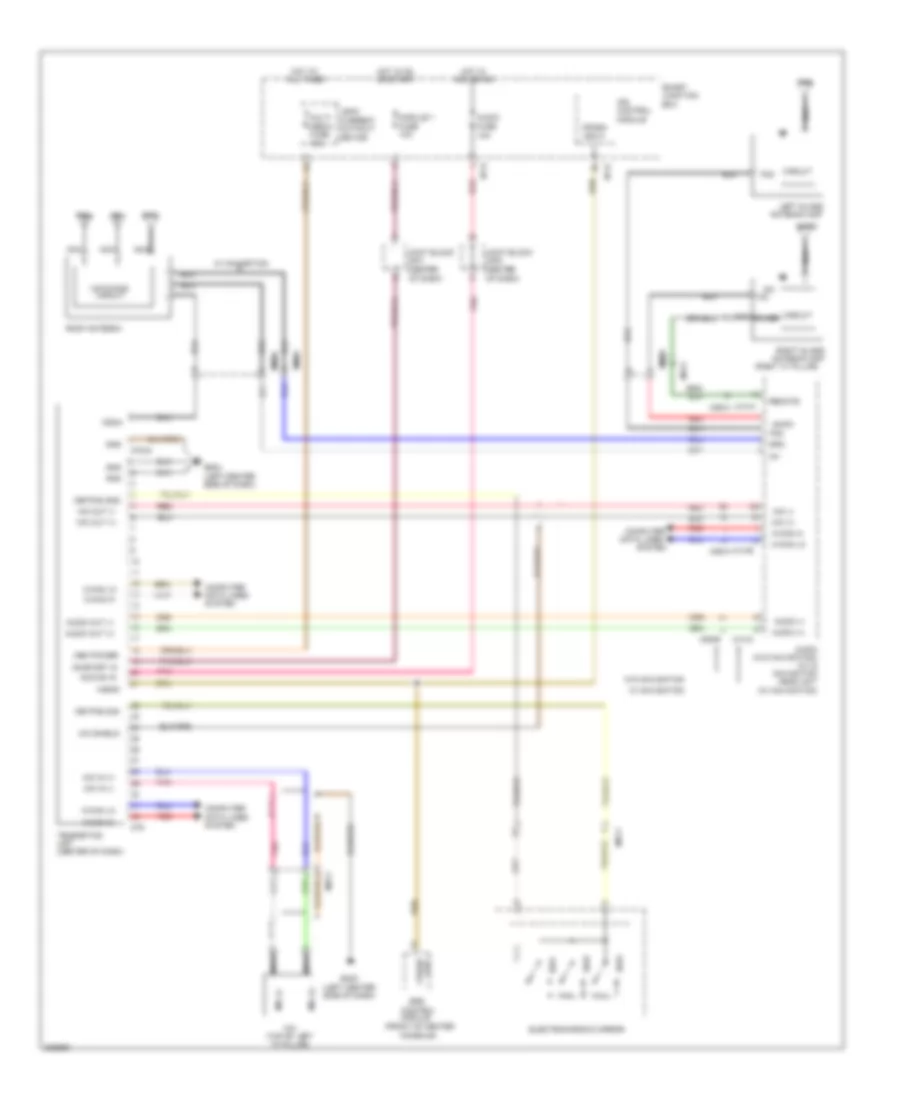
NAVIGATION Mobile Telematic System Wiring Diagram for Hyundai Azera Generation II 2011–2014 Open Sign in with an email code — it takes a minute Components of this diagram
· 91 (center (front of center (left center side of dash) (right "c" pillar) (top of left "a" pillar) (w/ navigation) A/bag Acc/on in Show all 91 Show less Am/ Am/fm Antenna amp Audio Audio (+) Audio (-) Audio (w/o navigation) a/v & navigation head unit Audio out (+) Audio out (-) C-can hi C-can lo Cdma Circuit Circuit power Computer Computer data lines system Console) Control Crash input Data lines Electrochromic mirror Fm2 Fuse 10a Gm03 Gm03 (left center side of dash) Gnd Gps Hot at all times Hot in acc or on Hot in on or start I/p-d I/p-e Ips control module Joint block jm01 Joint block jm02 Keypad gnd Keypad sig Leak current autocut device Left glass M-can hi M-can lo M09-b M14-a m09-a M14-b m09-a M14-c M78 M78-g Matching Mem power Mf21 Mic Mic (+) Mic (-) Mic in (+) Mic in (-) Mic out (+) Mic out (-) Mic shield Mm05 Mm06 Module Module 1 fuse 10a Mr11 Multi media fuse 10a Nca Of dash) On/start in Out crash Pnk Red Remote Right glass Roof antenna Smart junction box Srs Sw1 Sw2 Sw3 System Telemetics unit (center of dash) Tmu W/ navigation W/o navigation
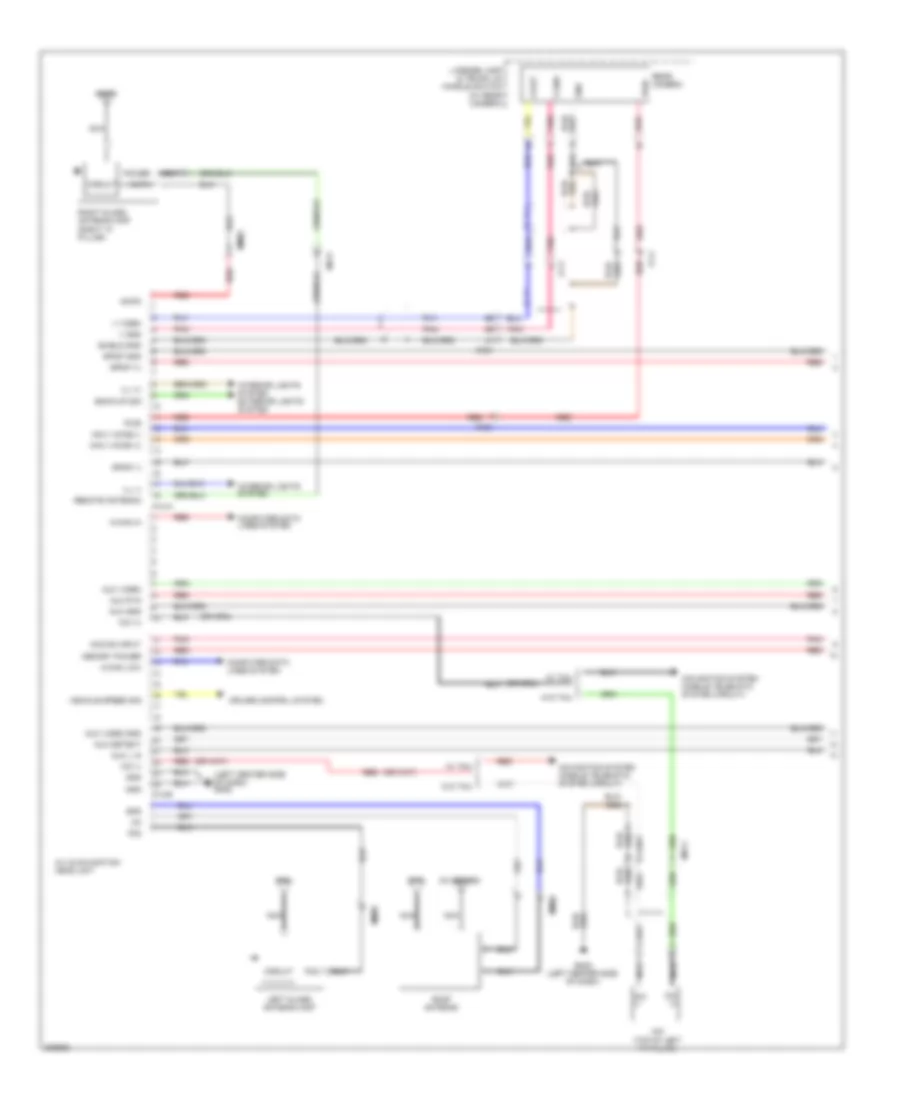
Navigation Wiring Diagram (1 of 4) for Hyundai Azera Generation II 2011–2014 Open Sign in with an email code — it takes a minute Components of this diagram
· 61 (left center side of dash) gm03 A/v & navigation head unit Acc/on input Am/fm Aux detect Aux gnd Aux l in Aux r in Show all 61 Show less Aux video Aux video gnd Back-up sig Circuit Computer data lines system Cruise control system Ff11 Fm2 Gm03 (left center side of dash) Gnd Gps Ill (+) Ill (-) Interior lights system Interior lights system exterior lights system Left glass antenna amp License lamp & trunk lid handle switch (w/ rear camera) M-can hi M-can low M14-a M14-b Memory power Mf21 Mic (+) Mic (-) Mic (top of left "a" pillar) Mm05 Mm06 Mr11 Navi voice (+) Navi voice (-) Navigation system (mobile telematic system circuit) Nca Pnk Power Pwr Rear camera Red Remote antenna Right glass antenna amp (right "c" pillar) Roof antenna Shield gnd Spdif (+) Spdif (-) Spdif gnd V gnd V video V-gnd V-out Vehicle speed sig W/ tmu W/o tmu Xm (sdars)
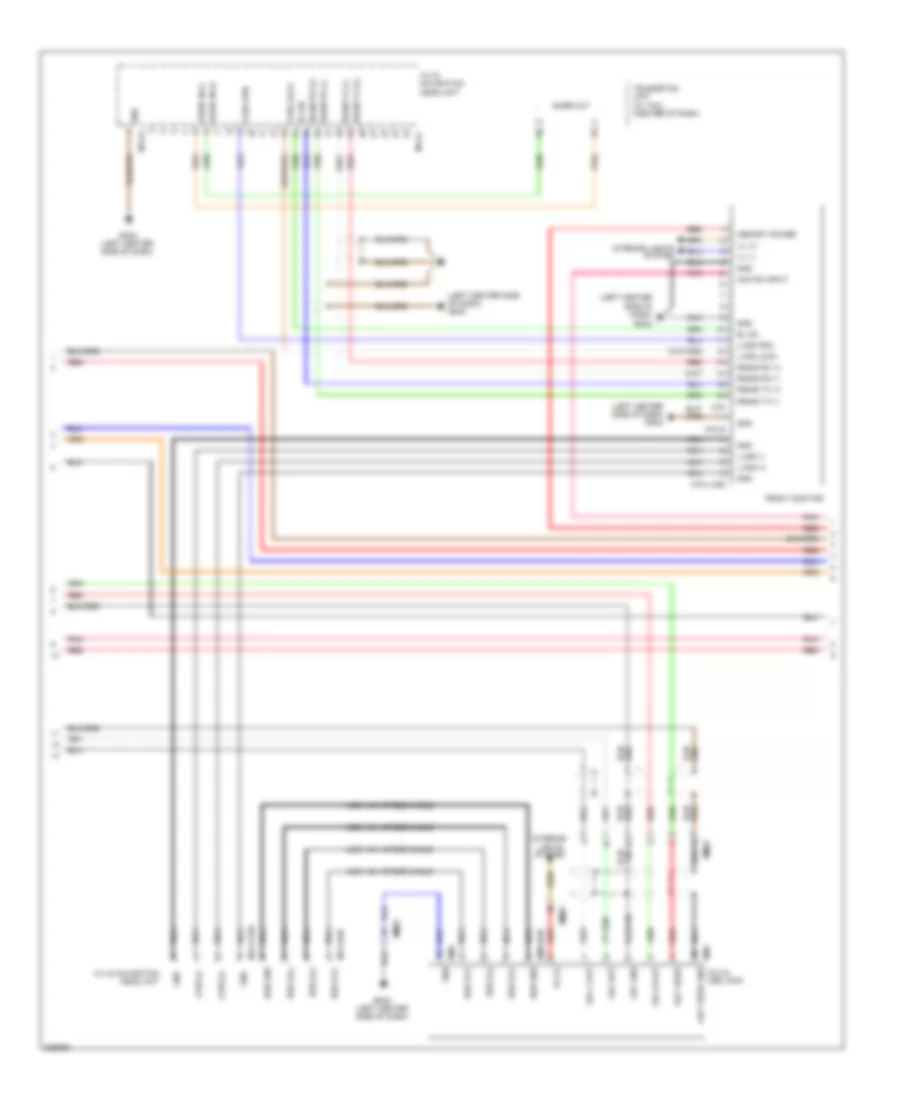
Navigation Wiring Diagram (2 of 4) for Hyundai Azera Generation II 2011–2014 Open Sign in with an email code — it takes a minute Components of this diagram
· 52 (+) (-) (left center (left center side of dash) gm03 A/v & navigation head unit Acc/on input Audio in (+) Audio in (-) Show all 52 Show less Audio out Aux & usb jack Aux det Aux gnd Aux l out Aux r out Aux video Aux video gnd Bl on Front monitor Gm03 (left center side of dash) Gnd Ill (+) Ill (-) Interior lights system Lvds (+) Lvds (-) Lvds lock Lvds pdn M14-c M14-g M14-lvds M14-usb M70 M70-g M70-lvds M90 M90-usb Memory power Mm01 Nca Pnk Red Rs485 rx (+) Rs485 rx (-) Rs485 tx (+) Rs485 tx (-) Side of dash) gm03 Telemetics unit (w/ tmu) (center of dash) Usb d (+) Usb d (-) Usb gnd Usb high speed cable Usb vcc
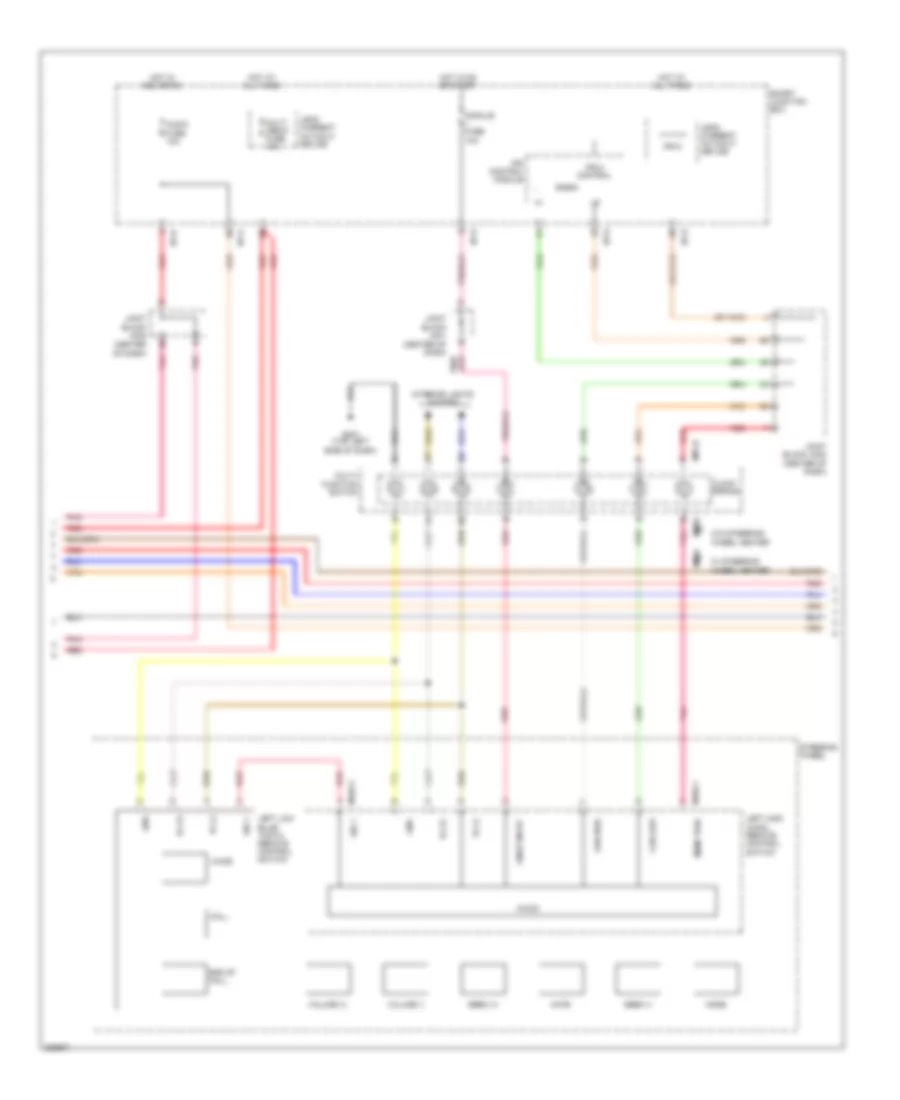
Navigation Wiring Diagram (3 of 4) for Hyundai Azera Generation II 2011–2014 Open Sign in with an email code — it takes a minute Components of this diagram
· 51 Audio fuse 10a B-can Call Can high Can low Clock spring End of call Gm01 (top left side of dash) Show all 51 Show less Gnd Hot at all times Hot in acc or on Hot in on or start I/p-a I/p-d I/p-e Ill (+) Ill (-) Interior lights system Ips 5 Ips 5 control Ips control module Joint block jm01 (center of dash) pnk/ Joint block jm02 (center of dash) Leak current autocut device Left high audio remote control switch M01-r M102-1 M102-2 Memy pwr Micom Mm03 Mm04 Mode Module fuse 10a Multi media fuse 10a Multi- function switch Mute On/st input Pnk Red Seek (+) Seek (-) Sig 1 Smart junction box Steering wheel Voice Volume (+) Volume (-) W/ steering W/o steering Wheel heater
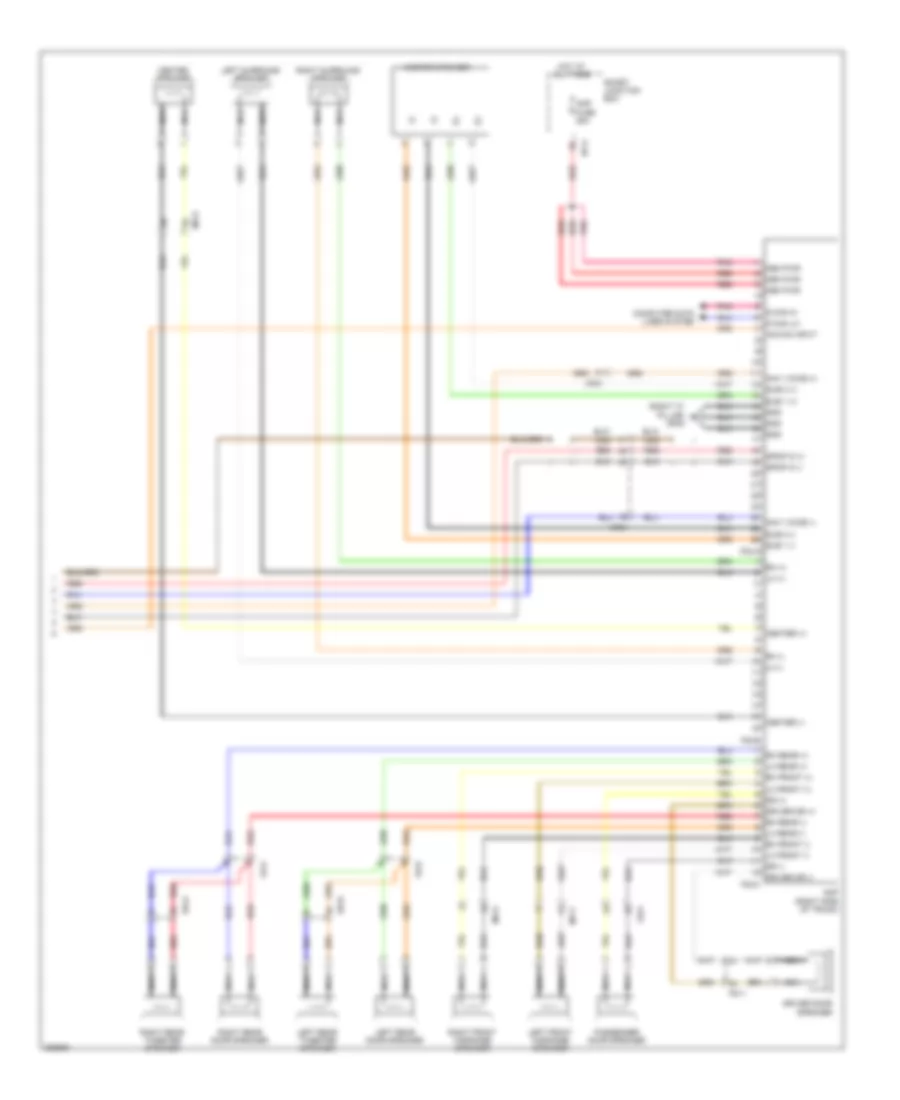
Navigation Wiring Diagram (4 of 4) for Hyundai Azera Generation II 2011–2014 Open Sign in with an email code — it takes a minute Components of this diagram
· 66 (+) (-) (right "c" pillar) gf05 Acc/on input Amp (right side of trunk) Amp fuse 25a Center (+) Center (-) Show all 66 Show less Center speaker Computer data lines system Dd31 Dd41 Dr (+) Dr (-) Driver door speaker Driver dr (+) Driver dr (-) F02-a F02-b F02-c Fd11 Fd21 Fd31 Fd41 Gnd Hot at all times I/p-a Left front midrange speaker Left rear door speaker Left rear tweeter speaker Left surround speaker Lh (+) Lh (-) Lh front (+) Lh front (-) Lh rear (+) Lh rear (-) M-can hi M-can lo Mem pwr Mf11 Mf21 Navi voice (+) Navi voice (-) Nca Passenger door speaker Pnk Red Rh (+) Rh (-) Rh front (+) Rh front (-) Rh rear (+) Rh rear (-) Right front midrange speaker Right rear door speaker Right rear tweeter speaker Right surround speaker Smart junction box Spdif d (+) Spdif d (-) Sub 1 (+) Sub 1 (-) Sub 2 (+) Sub 2 (-) Woofer speaker
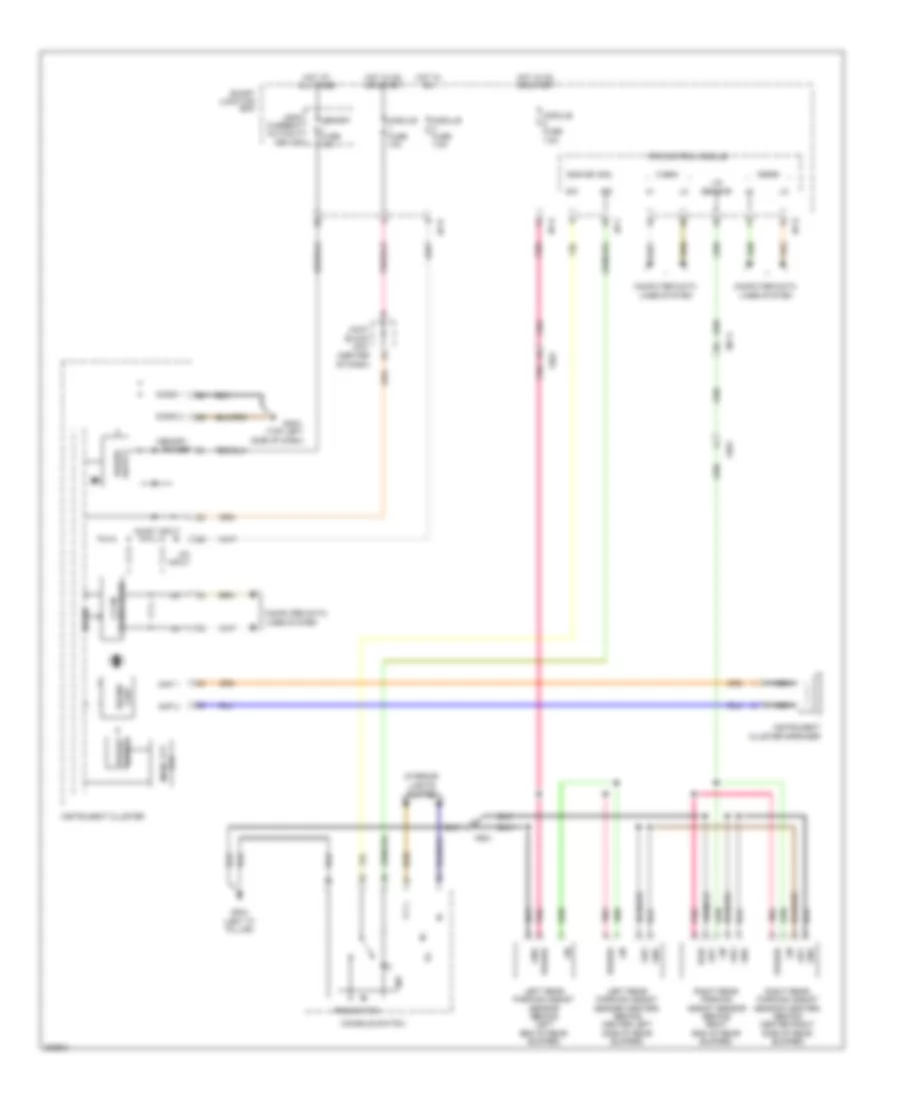
Parking Assistant Wiring Diagram for Hyundai Azera Generation II 2011–2014 Open Sign in with an email code — it takes a minute Components of this diagram
· 55 (top left side of dash) Amp 1 Amp 2 B-can C-can Chip sound Cluster speaker Computer data lines system Show all 55 Show less Console switch Fr01 Gf04 (left "c" pillar) Gm04 Gnd Hot at all times Hot in on Hot in on or start I/p-a I/p-d I/p-e I/p-f Ill Ind Input Instrument Instrument cluster Interior lights system Ips control module Joint block jm01 (center of dash) Lcd mono tft Leak current autocut device Left rear parking assist sensor (behind left end of rear bumper) Left rear parking assist sensor (center) (behind center left side of rear bumper) Lid1 Lid2 Lin Lin sensor Memory Memory fuse 10a Mf11 Micom Module fuse 10a Module fuse 7.5a Nca On/st input Pas sw sig Pas switch Pnk Power Pwr Right rear parking assist sensor (behind right end of rear bumper) Right rear parking assist sensor (center) (behind center right side of rear bumper) S gnd 1 S gnd 2 Smart junction box Transceiver c-can
Other systems of Hyundai Azera Generation II · 2011–2014
 English
 Other systems of Hyundai Azera Generation II · 2011–2014
 Air conditioning
 Anti-lock brakes
 Anti-theft
 Body control modules
 Cooling fan
 Cruise control
 Defoggers
 Electronic power steering
 Engine performance
 Exterior lights
 Ground distribution
 Horn
 Instrument cluster
 Interior lights
 Memory systems
 Navigation
 Power distribution
 Power door locks
 Power mirrors
 Power top/sunroof
 Power windows
 Shift interlock
 Supplemental restraints
 Trunk, tailgate, fuel door
 Warning systems
 Wiper/washer